Temu Price Adjustments vs Coupons: What to Check After a Price Drop
You bought something on Temu, then saw a lower price a few days later. Before placing another order, work out what changed: the selling price of your exact…

In this guide
You bought something on Temu, then saw a lower price a few days later. Before placing another order, work out what changed: the selling price of your exact item, a coupon for a new purchase, or the version shown in the advertisement. Those situations can look similar on a small screen, but they call for different checks.
The quick takeaway: Start with the paid order and its price-adjustment option. A coupon advertised today is not evidence that the same discount can be applied to yesterday’s purchase.
Identify what actually became cheaper
Open the item from your original order rather than searching for its photograph. Then select the same size, colour and pack quantity. Record the current selling price before considering any extra coupon. A search result can highlight a cheaper variant, while a promotion can describe a discount that requires a separate purchase.
Keep two questions separate: “Has this item’s selling price fallen?” and “Could an eligible shopper place a cheaper new order today?” The second question might involve a new coupon, a different basket or a different seller. It does not, by itself, answer the first.
For help reading a voucher before buying, see our guide to Temu coupon conditions. Here, the focus is the purchase you have already made.
Check the exact item against Temu’s policy
Temu’s published price-adjustment policy describes a reduction within 30 days of payment for the same item and seller, including the same size and colour, in the same country or region. The paid order’s price and currency are the starting point. Promotional or unavailable items may not qualify, and fees, including shipping, are excluded.
Use the policy displayed for your own market and the options in your order. A lower listing from another seller, or a price displayed after switching countries, is not the same comparison. Save the variant description as well as the photograph: two visually identical listings can represent different quantities or sellers.
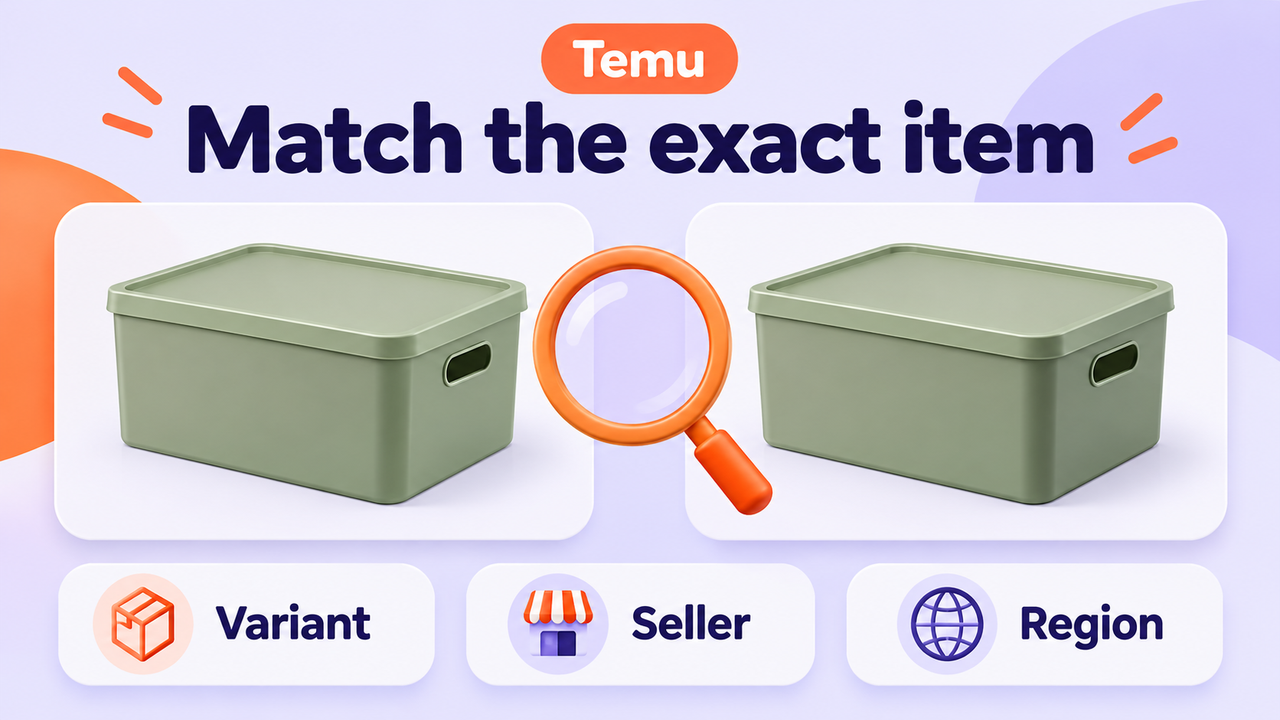
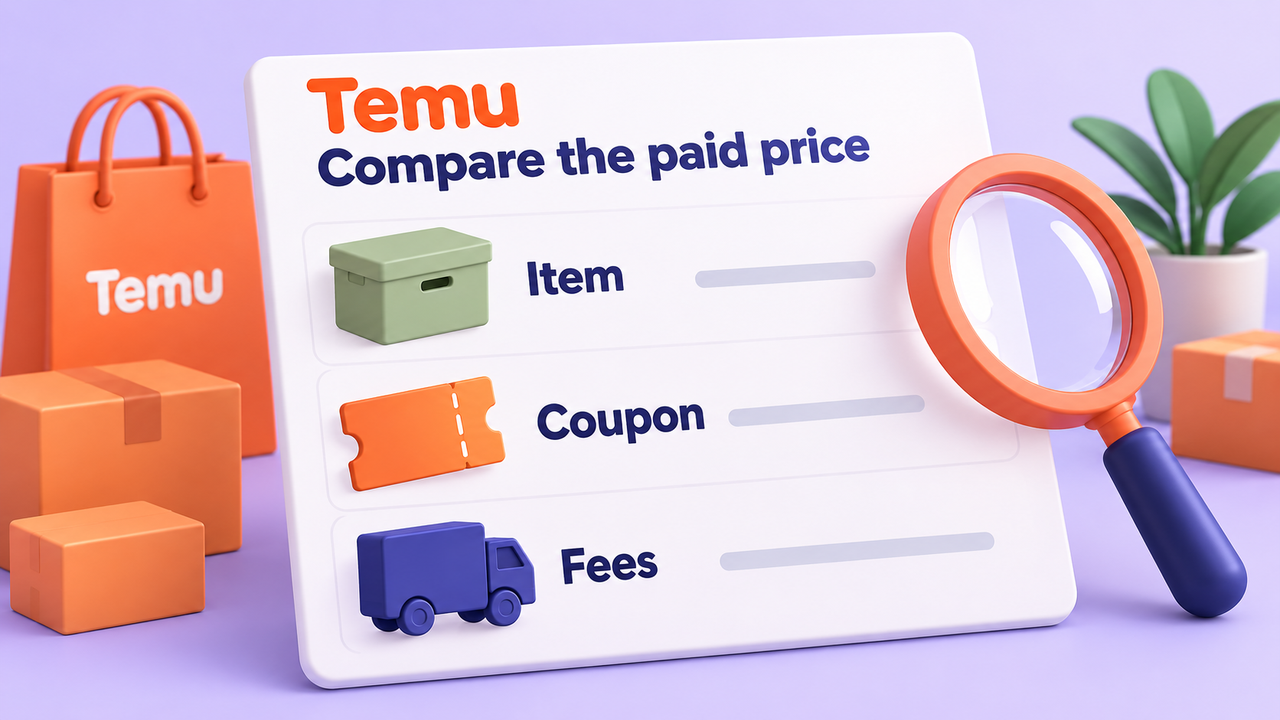
Compare the paid item price, not just the headline price
Write down the original item amount, any coupon reduction shown in the order breakdown, and the price you are comparing with now. Keep delivery and other charges on separate lines. This prevents an order-wide saving from being mistaken for a change in one product’s selling price.
If the order contains several items and only a combined coupon amount, do not invent your own allocation. Ask which paid item amount Temu used. Likewise, a new voucher that could reduce a future basket is a separate offer, not an additional refund you can assume is owed.
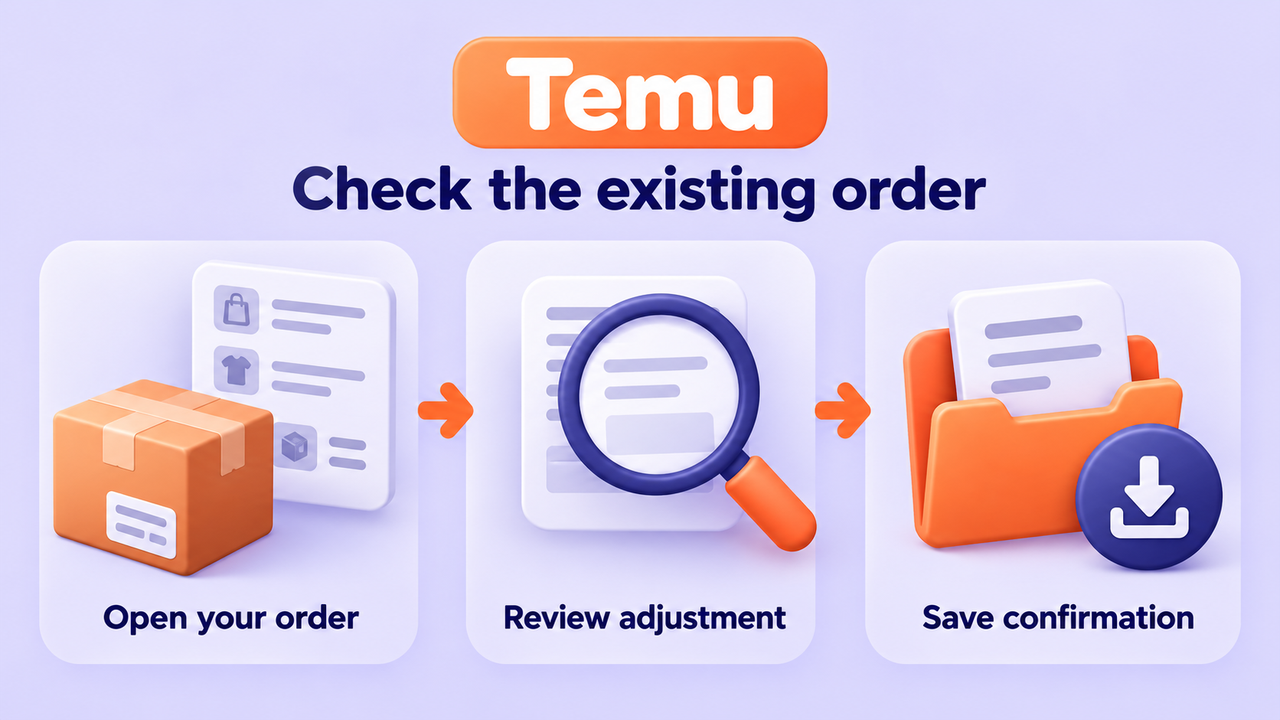
Request an adjustment from the existing order
Temu’s request instructions direct shoppers to Your orders, the eligible order and its Price adjustment option. Use that route to inspect the result for the purchase you are checking.
- Confirm the payment date and the item you want reviewed.
- Open the order’s price-adjustment option if it is available.
- Read any item-level result, amount and explanation before confirming.
- If a refund method or destination is offered, read it rather than assuming the money will go to a particular account.
- Keep the confirmation, reference number and any stated processing estimate.
Record the request result separately from the arrival of any refund. A confirmation screen and a payment-account transaction are different records. Follow the destination and timing actually shown for your request; there is no need to rely on another shopper’s screenshot.
What to ask if the option or amount is unexpected
When an option is missing, begin with the order details and local eligibility rules. When an amount is smaller than expected, identify the precise comparison you used. A useful support question is: “Which original paid item amount and current eligible price were used for this item?” That is more specific than comparing a whole order total with a product-page banner.
Attach the relevant order reference, payment date, selected variant and current listing link through Temu’s official support channel. Ask whether the difference involves a promotion, an excluded fee, an item mismatch or another eligibility condition. Do not describe a request as approved until you have that confirmation.
Check the full cost before buying it again
A second order creates a second purchase. If you are considering returning the first item and buying again, calculate the new payable total, any return costs and the possibility of temporarily paying for both. Read the applicable return terms separately; an adjustment request is not a return authorisation.
Also consider whether the saving justifies the effort. If the existing item is suitable, requesting an available adjustment may be simpler than organising another delivery. If the item is unsuitable or faulty, address that problem through the relevant order process rather than treating a lower price as the solution.
- Match the seller, variant, quantity and market.
- Check the payment date against the local adjustment policy.
- Separate the item amount, coupon and fees.
- Review the existing order’s adjustment result.
- Save the confirmation and check the stated refund destination.
Common questions
Should I wait for delivery before checking?
Temu’s published policy says applying before receipt does not affect shipment. Check the order while it is within the relevant window rather than assuming the clock starts on delivery.
Does a cheaper price at another retailer qualify?
The Temu adjustment policy discussed here concerns the same item from the same seller on Temu. A competitor’s price does not establish eligibility under this policy. Any separately offered price-match programme would need its own terms.
Can I add a new coupon to an order I already paid for?
Do not assume that a newly advertised coupon is retroactive. Read its terms and use the existing order’s adjustment process to check an eligible price reduction.