Temu Credit and Coupons: Read the Checkout in the Right Order
Temu Credit and a coupon can appear in the same checkout, but they do different jobs. A coupon changes the eligible price under its own conditions. Credit is…

In this guide
Temu Credit and a coupon can appear in the same checkout, but they do different jobs. A coupon changes the eligible price under its own conditions. Credit is an account balance used to pay what remains. If you call both amounts a discount, it becomes easy to overstate the value of an order or misunderstand a later refund. This guide shows how to read the checkout in a useful order.
The quick takeaway: Apply the eligible coupon first, then check shipping and other charges, then confirm how much existing Temu Credit is used. Treat credit as a payment balance, not a new saving created by the current basket.
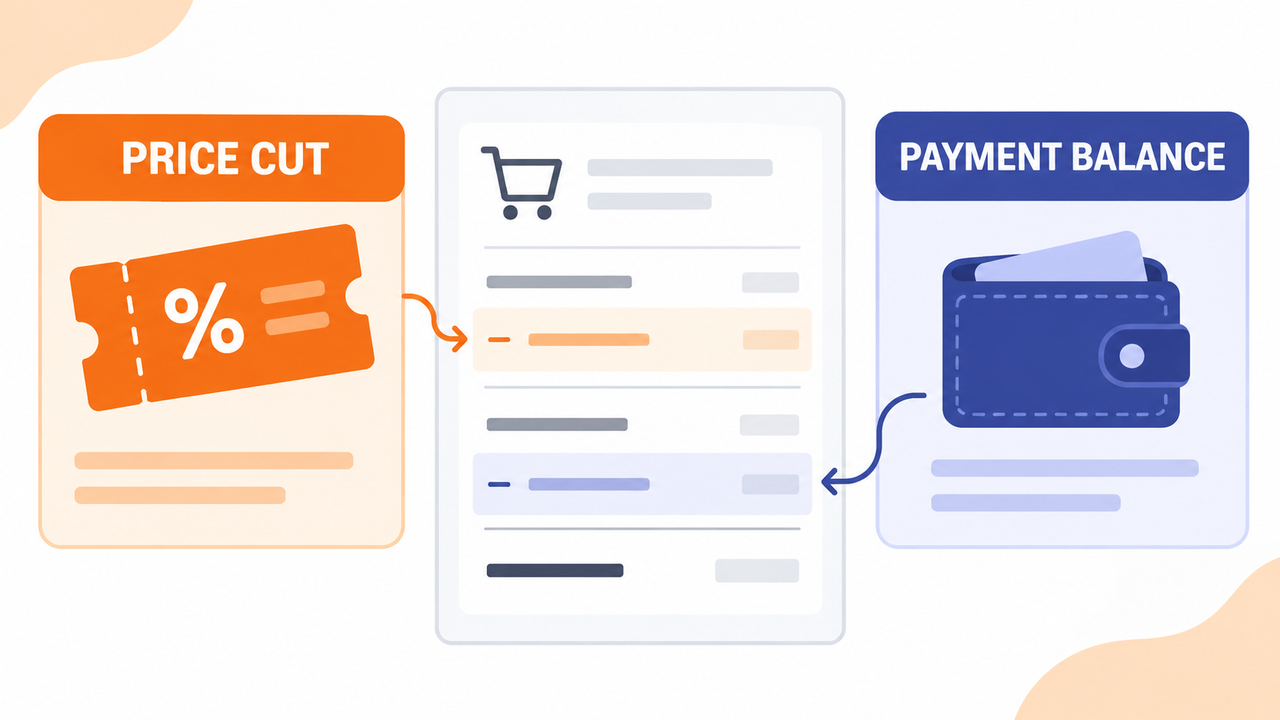
Separate Temu Credit from a coupon
Temu describes its credit as a digital balance that can be used for purchases and, in the regional Temu Credit help information we checked, can be used with coupons and other discounts. The same help information says the credit cannot be withdrawn as cash and does not expire. Those features make credit useful, but they do not make it identical to money in a bank account or to a price reduction.
A coupon has a separate set of conditions. It may require a minimum basket, apply only to eligible items, belong to one account or region, or work only during a stated period. Our Temu coupons guide explains how to assess those thresholds. Temu’s support information also says that the system may automatically apply the coupon that produces the largest eligible reduction and that only one coupon is used per order in the market-specific guidance we reviewed. Your own checkout and coupon details remain the controlling information.
The distinction matters because existing credit came from somewhere else: perhaps a prior refund, a promotion or another account activity. Spending $15 of that balance reduces the amount charged to your card today. It does not mean the current seller reduced the product price by another $15.
Read the checkout in the right order
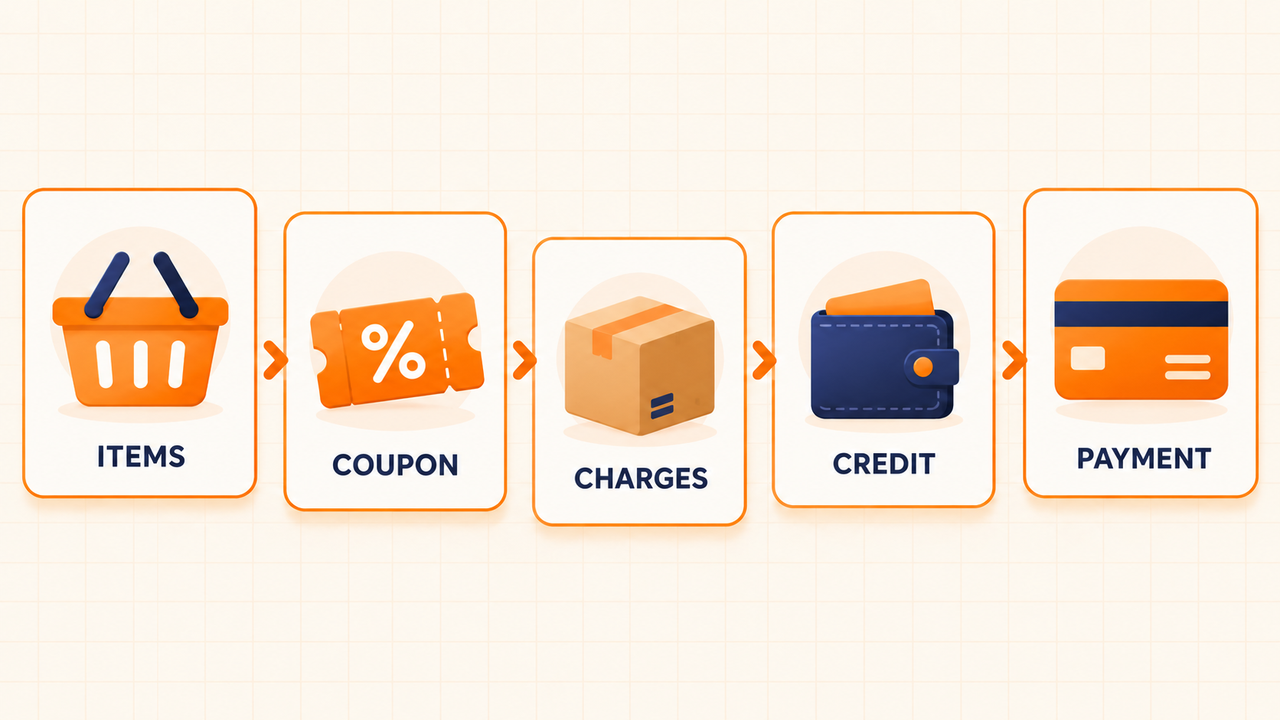
Start with the exact products and variants you selected. Then work down the order summary rather than jumping straight to the final card charge. A useful sequence is:
- Eligible item subtotal: confirm sizes, quantities and sellers before promotions.
- Coupon or promotional reduction: identify the specific offer and the amount it removes.
- Shipping, tax and other displayed charges: keep them visible instead of assuming the coupon covers them.
- Temu Credit applied: record how much of your existing balance is used.
- External payment: check the remaining amount assigned to your card or other payment method.
This order produces two different answers. The coupon line tells you how much this promotion reduces the eligible purchase. The credit line tells you how the remaining bill is funded. The final card charge alone cannot answer both questions.
Explain a changed coupon before changing the basket
A coupon can disappear or produce a different reduction after you change a variant, remove an item, switch accounts or change the delivery country. Temu’s coupon troubleshooting information lists expiry, prior use, account differences and country or region changes among the reasons a coupon may not be visible or usable. Some promotional discounts are tied to their own activity page rather than issued as ordinary coupons.
If the displayed saving changes, undo the latest basket change and compare the order summary again. Open the coupon details and identify the threshold, eligible products and region. Do not add an unplanned item simply to restore a larger headline saving until you compare the extra spending with the extra reduction.
Be especially careful with codes copied from search results or third-party pages. Temu’s support information warns that codes not officially issued may fail. A code visible to another shopper also may be linked to a different account, market or promotion. The reliable test is the reduction displayed in your own checkout before payment.
Confirm how much credit will be used
Regional Temu help information says credit may be used automatically and that the deduction can be checked near the bottom of checkout or in the order’s payment details after payment. Before placing the order, confirm the credit amount and the remaining payment method rather than assuming the whole balance will be used.
If the order total exceeds the available credit, another payment method covers the difference. A pending unpaid order may also affect the balance shown in some markets. If the number looks wrong, stop and inspect pending orders and the payment breakdown before submitting another order.
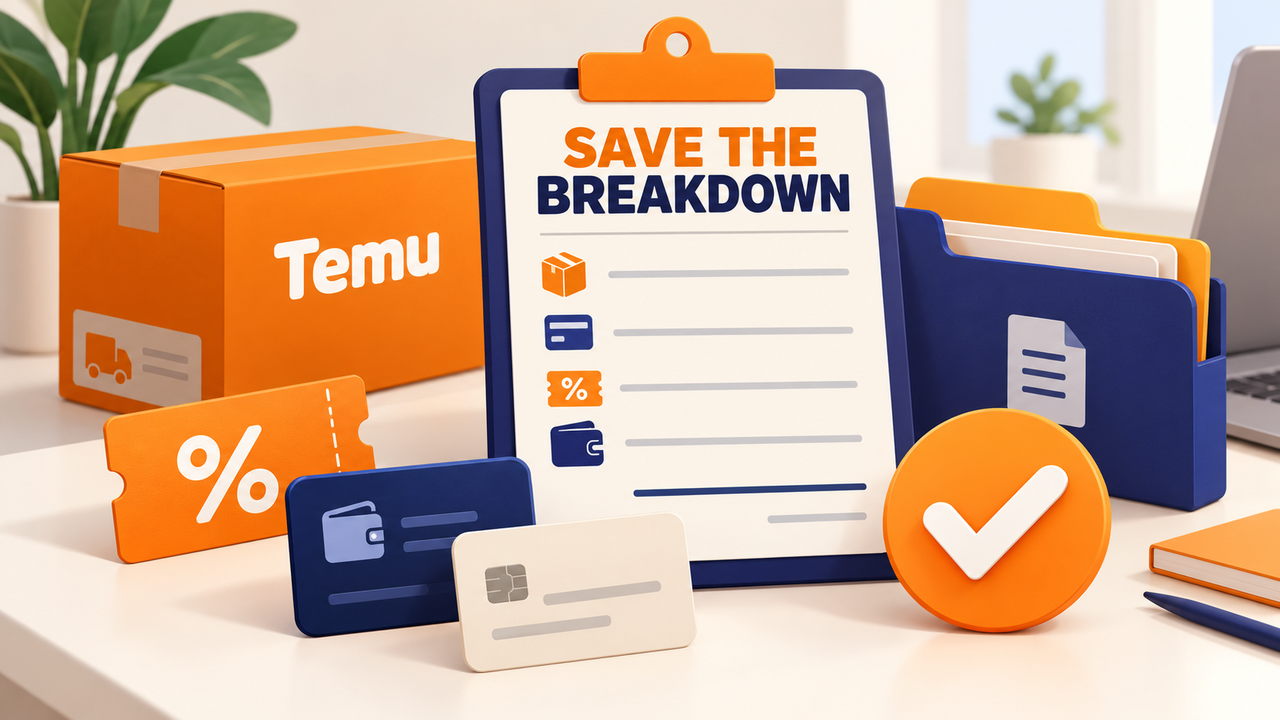
Take a simple record of the coupon details, credit applied and external charge. This is more useful than a screenshot of the final total alone because it shows how the order was funded.
Keep the payment split for a possible refund
A later refund does not turn every checkout line back into cash. The outcome can depend on how the order was paid, how the promotion was allocated and which item is returned. Keep the original order breakdown and follow the refund method displayed for the specific request. Do not assume that a used coupon will be restored or that credit will be withdrawn to a bank account.
If only part of the order is returned, ask how the coupon and payment sources affect that item. Compare the refund confirmation with the original external charge and credit deduction. This avoids counting a coupon’s face value as money you paid.
Final checkout checklist
- Confirm the exact item variants and quantities before promotions.
- Open the coupon details for your account and country or region.
- Record the coupon reduction separately from Temu Credit.
- Check shipping, tax and other displayed charges.
- Verify the credit deduction and remaining payment method.
- Save the payment breakdown and applicable promotion terms.
- Buy only when the complete order suits your original plan.
Common questions
Can Temu Credit be used with a coupon?
Temu’s regional help information says credit can be used with coupons and other discounts. Check the checkout and terms for your account and market because promotions and availability can differ.
Does using credit make the product cheaper?
It reduces the amount that must come from another payment method. The coupon or product promotion changes the eligible price; existing credit funds part of what remains.
Why did my coupon disappear after I changed the basket?
The new basket may no longer meet the coupon’s threshold, item, account or regional conditions. Reopen the coupon details and compare the basket before adding more products.
Should I trust a Temu coupon code found on another website?
Verify it inside your official Temu account. Temu warns that unofficial or generated codes may not redeem, and account or regional restrictions can also make a code unavailable.