Walmart Marketplace Listings: Check Who Sells, Ships and Handles the Return
A Walmart.com product page can connect you with Walmart or with a Marketplace seller. The retailer name at the top of the site does not answer who owns…

In this guide
- Separate the store, seller and fulfiller
- Compare matching offers before comparing totals
- Use seller information as evidence, not a guarantee
- Read the Marketplace return window before ordering
- Understand what Walmart fulfillment changes
- Inspect the delivery while the record is clear
- Walmart Marketplace checklist
- Common questions
A Walmart.com product page can connect you with Walmart or with a Marketplace seller. The retailer name at the top of the site does not answer who owns the inventory, who ships the parcel or which return rules apply. Reading those three roles before payment can prevent warranty, delivery and refund surprises.
The quick takeaway: Read the “Sold by” and “Shipped by” lines for the exact offer, open the seller information, and check the item-specific return details. Walmart fulfillment can handle storage, packing and shipping for a Marketplace seller, but it does not turn that seller into Walmart.
Separate the store, seller and fulfiller
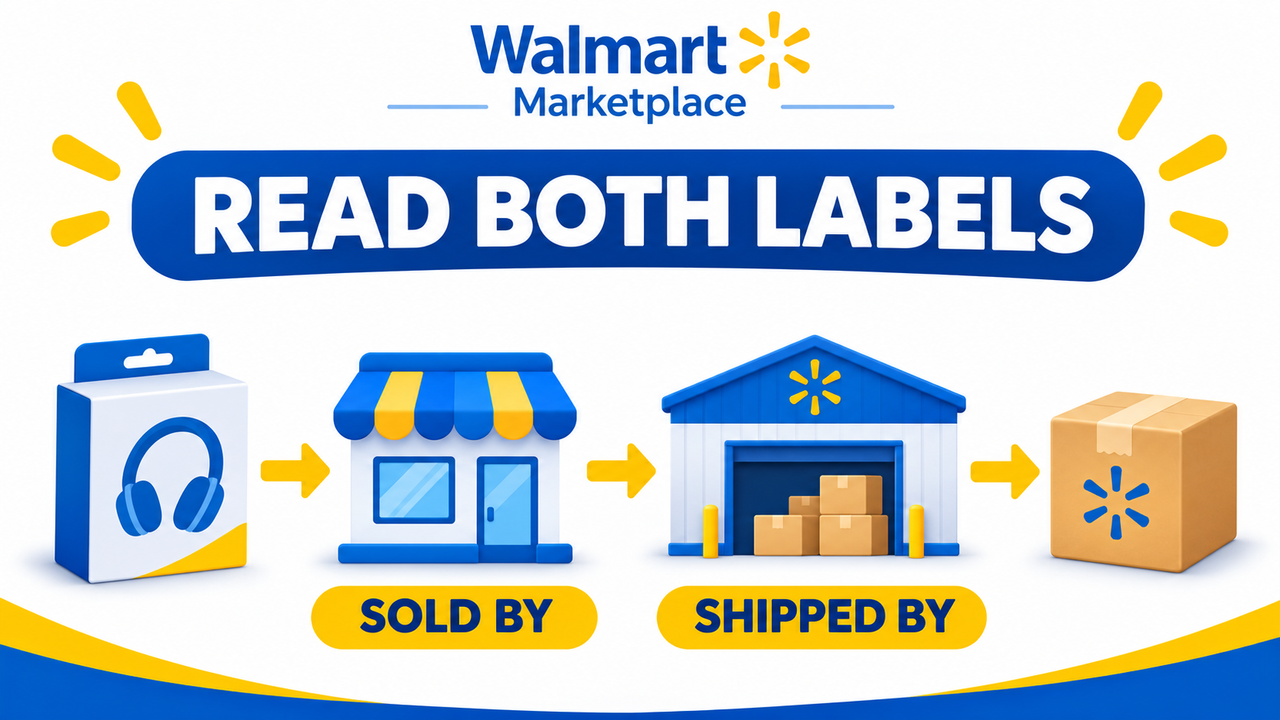
Walmart’s Marketplace seller help page tells shoppers to look beside the “Sold by” or “Sold and shipped by” label. Clicking the seller’s name opens more information. This is the first check because several offers for the same model can involve different businesses.
The seller is the business offering the product and is the contact for questions about specifications, technical support and any applicable warranty. The fulfiller controls the physical path of the order. When Walmart fulfills a Marketplace item, the seller keeps inventory at Walmart fulfillment centers and Walmart picks, packs and ships it.
A Walmart fulfillment label can therefore improve the delivery and account-management experience without changing the identity of the seller. Keep both lines in your notes. If the listing is sold and shipped by a Marketplace seller, Walmart says the seller is the first contact for an order problem, with Walmart Customer Care available under its Marketplace process when an issue is not resolved.
Compare matching offers before comparing totals
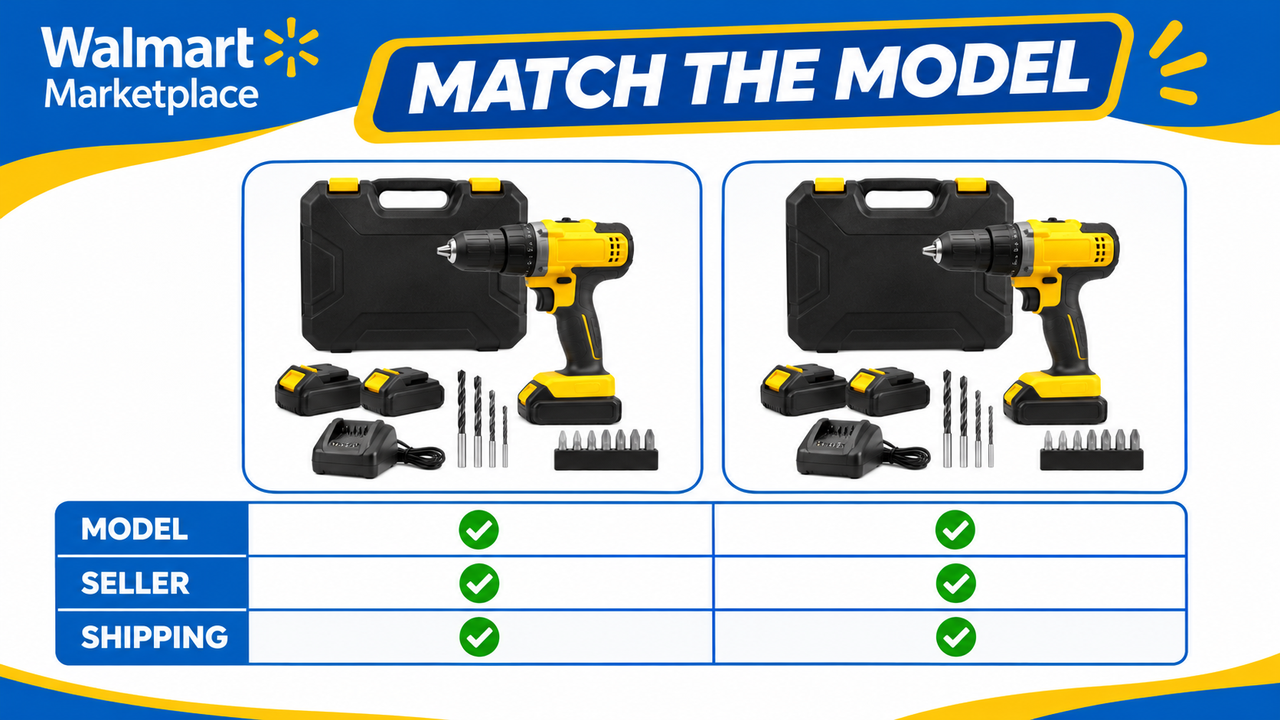
Start with the manufacturer model number, condition, color, capacity, quantity and included accessories. A Marketplace offer can appear beside a Walmart-sold offer for a similar product, but a missing charger, different warranty source or smaller pack can erase an apparent saving.
Then compare the complete delivered cost. Keep the item price, shipping and any required accessory separate. Delivery speed has value only when the estimate meets your need; a faster badge should not cause you to ignore a different seller or return arrangement.
Do not reduce the choice to one dollar. If one offer lacks an accessory you need or has a materially different return condition, calculate that consequence. The better offer is the suitable product with the stronger complete arrangement, not automatically the lowest item-price line.
Use seller information as evidence, not a guarantee
Walmart says it evaluates Marketplace businesses and monitors seller performance. Its Pro Seller badge identifies sellers that meet Walmart’s programme criteria, but no badge can prove that a particular product will be suitable or problem-free.
Open the seller page and read the information available for that business and offer. Product-specific reviews can help reveal recurring compatibility or packaging issues, while seller feedback can provide context about service. Keep these signals separate: a well-reviewed seller can still have an unsuitable product, and a popular product can still be attached to an offer with terms you do not want.
For technical products, confirm who provides warranty support and where service is available. “New” describes condition; it does not identify the warranty administrator. Ask the seller through Walmart’s account-based contact route when a material detail is missing, and keep the response with the order record.
Read the Marketplace return window before ordering
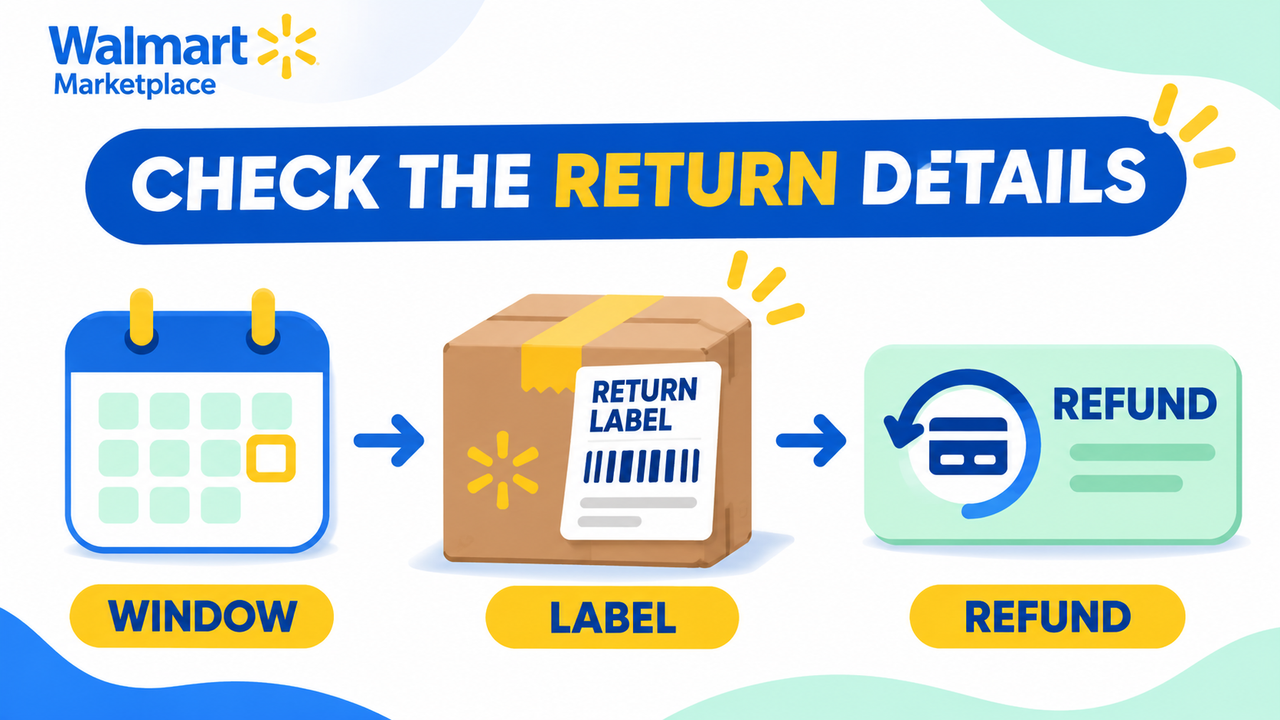
Walmart’s US Marketplace return policy, checked on November 4, 2026, says most Marketplace items may be returned within 30 days, with shorter windows and other exceptions for categories such as major appliances, specified consumer electronics and luxury items. The item’s current return details decide what applies to your order.
The same policy says some sellers may have a possible restocking fee of up to 20 percent and directs shoppers to the listing’s return details. Do not subtract such a fee from every hypothetical refund; verify whether it applies to the selected item and return reason before treating it as a cost.
Some Marketplace items can be returned through a Walmart store, while odd-sized, freight, oversized, hazardous-material, collectible or luxury items can have other instructions or mail-back restrictions. Start the return from the order record and follow the authorised method rather than choosing a carrier or store route yourself.
Understand what Walmart fulfillment changes
Walmart Fulfillment Services is a logistics programme for Marketplace sellers. Walmart’s official seller guide says Walmart stores the inventory and handles picking, packing, shipping, customer support and returns for WFS orders. This can make the order easier to track from a Walmart account.
Fulfillment does not rewrite the product description or create a manufacturer warranty. Continue to check the Marketplace seller, exact condition and included parts. If the page says Walmart ships the item, distinguish whether Walmart also sells it or is fulfilling it for another seller.
Save the order confirmation because it records the arrangement you accepted. A later product page can display another seller as the Featured Offer, so the page you revisit may no longer show the business that handled your purchase.
Inspect the delivery while the record is clear
When the parcel arrives, match the model, condition, quantity and accessories with the order. Photograph shipping damage, serial or model labels and missing components before discarding packaging. For a device containing personal data, follow the manufacturer’s erasure instructions before an eligible return.
Use Purchase History to track the item and open the return, replacement or seller-contact route connected to that order. Describe the concrete difference between the listing and the item received. Keeping communication inside the order record gives Walmart and the seller a consistent history to review.
If a request for an additional delivery fee arrives outside the original order, do not pay it to a carrier or seller without verification. Walmart’s current Marketplace return help says Walmart, sellers and carriers should not contact shoppers to collect delivery fees that were absent from the original order and directs shoppers to Walmart support if that occurs.
Walmart Marketplace checklist
- Match the exact model, condition, quantity and included parts.
- Record both the “Sold by” and “Shipped by” lines.
- Open the Marketplace seller’s information page.
- Compare the complete delivered cost of equivalent offers.
- Confirm warranty support for the selected seller and product.
- Read the item-specific return window and possible fees.
- Save the order confirmation and seller arrangement.
- Use Purchase History for contact, tracking and authorised returns.
Common questions
Does “Fulfilled by Walmart” mean Walmart is the seller?
No. A Marketplace seller can keep inventory at Walmart fulfillment centers while Walmart picks, packs and ships the order. Check the separate “Sold by” line.
Can every Marketplace item be returned to a Walmart store?
No. Many eligible items have an in-store route, but category, size, material and item-specific exceptions can require another method. Start with the order’s return instructions.
Do all Marketplace items have a 30-day return window?
No. Walmart describes 30 days for most Marketplace items but lists shorter windows and other exceptions. Verify the selected item’s current details.
Does a Pro Seller badge guarantee the product?
No. It is a seller-performance signal within Walmart’s programme. You still need to check the exact product, seller terms, warranty, delivery and return information.