Tapo C120 on Amazon: Flexible Home Views With Local Recording
The Tapo C120 combines a compact plug-in camera with a local recording option, making it an interesting Amazon purchase for one well-defined view around the home. Its appeal…

In this guide
The Tapo C120 combines a compact plug-in camera with a local recording option, making it an interesting Amazon purchase for one well-defined view around the home. Its appeal is a practical mix of image detail, placement flexibility and storage choice. Start with the scene you want to see and the recordings you want to keep, then decide whether this fixed-view camera fits.
The quick takeaway: Consider the C120 when you can provide suitable power, Wi-Fi and a useful fixed viewpoint. Local microSD recording can avoid a cloud-storage subscription, but it still requires a compatible card, a playback plan and current firmware for the exact hardware version.
A useful viewpoint matters more than a long feature list
The Amazon C120 listing identifies the white single-camera option among several related variants. Keep the chosen camera and pack size in view: selecting another colour, camera type or multipack can change the product behind the displayed price.
TP-Link’s U.S. C120 specifications describe 2K QHD video, a magnetic base and indoor/outdoor use with an IP66-rated camera. Those features support flexible placement, but they do not establish that every possible installation will produce useful footage.
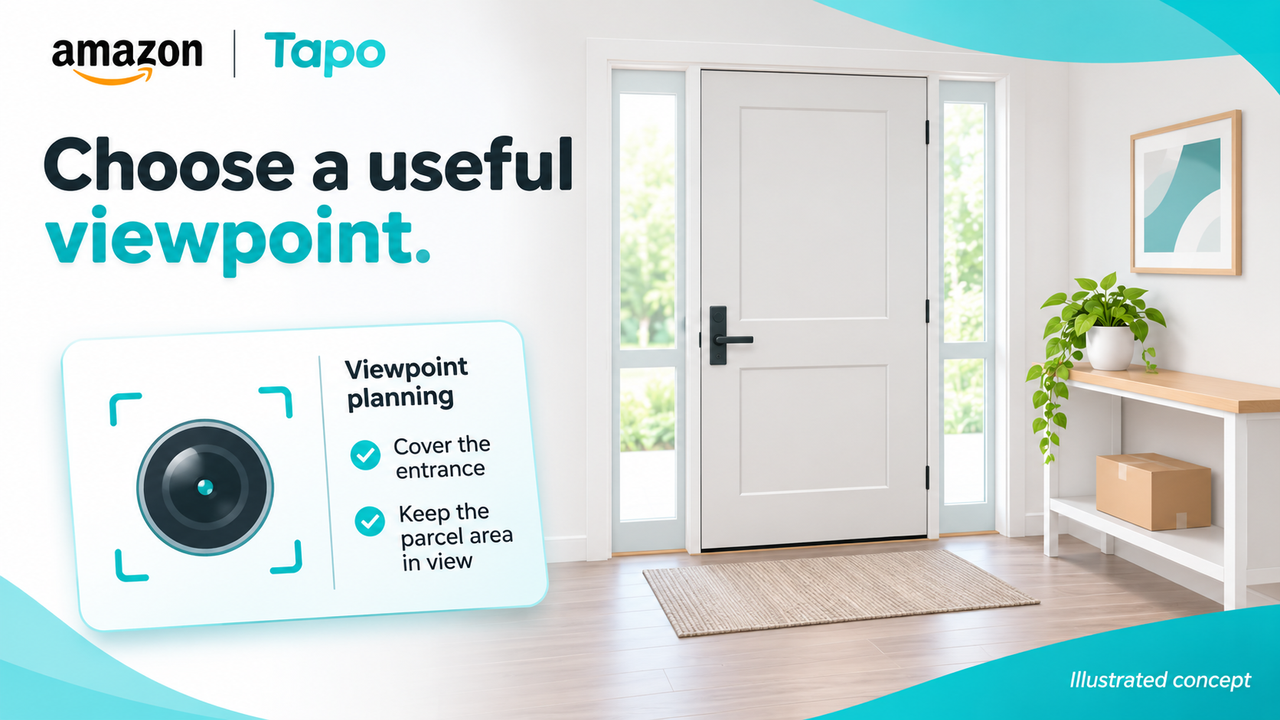
Choose a scene first: an entrance, a parcel area or a particular room. Identify what you need to distinguish in that scene and where the camera could stand securely. A view that includes too much distant background may be less useful than a narrower practical placement, even with a higher resolution specification.
Plug-in power and Wi-Fi make different demands
The C120 uses wired power and Wi-Fi networking. Wireless networking does not mean battery operation, and a power cable does not mean an Ethernet connection. The manufacturer’s specification lists 2.4 GHz Wi-Fi, so establish a suitable network at the planned location.
Rehearse the cable route before mounting. A convenient camera position can become impractical when the nearest usable power point is elsewhere. Follow the regional installation instructions for the camera, cable, adapter and weather exposure; do not treat the camera’s weather-resistance rating as a blanket rating for every connected component.
A magnetic base can help positioning on a suitable surface, but placement still needs to be stable and appropriate for the environment. Consider whether the camera could be knocked, moved or obstructed during ordinary household activity. Choose a mounting method from the supplied instructions rather than relying on an improvised attachment.
Test the actual view and network connection before committing to a permanent position. Look at the scene in daylight and after dark. The product’s night-vision modes are options to assess in that environment, not a guarantee of readable distant detail or consistently accurate identification.
Choose recording around the footage you need later
The manufacturer lists local microSD storage up to 512 GB and optional Tapo Care cloud storage. These are different arrangements. A cloud plan is not an unavoidable addition to every local-recording purchase, while a memory-card slot is not evidence that a card comes in the box.
Use the manufacturer’s compatibility guidance to select the card and recording configuration. Do not calculate guaranteed retention from capacity alone: image settings, recording mode and activity affect storage use. Decide whether you want a continuous record or selected events, then consult the supported settings for your exact version.
Think through a real retrieval task. If you need to find a delivery from yesterday, how will you locate it, play it and save the relevant clip? A recording that exists but is difficult to retrieve may not solve your original problem. Explore playback and export during setup rather than waiting until an important incident.
A card inside the camera also remains physically with that camera. If preserving footage after theft or damage is important, local-only storage has a limitation that should be visible in the comparison. Choose the storage arrangement for that need rather than selecting a monthly plan or rejecting one on principle.
Make firmware maintenance part of setup
This model has a material current support consideration. TP-Link’s security advisory for C120 and C200 identifies affected C120 V1 hardware and a fixed firmware version, V1_1.9.4 Build 260813 Rel.79754n. The advisory recommends updating affected devices to the latest firmware.
Identify the hardware and regional version on the actual device, then follow the manufacturer’s matching update route. Do not install a file intended for another hardware revision simply because the model name looks the same. A listing photograph does not establish the firmware currently installed in the delivered unit.
Updating does not justify calling a camera permanently secure. Keep account access controlled, apply subsequent supported updates and choose a view that respects household privacy. Avoid placing a camera where you would be uncomfortable with unnecessary recording, and manage who can access the account and clips.
Compare the complete camera setup
Build a realistic first purchase around the camera, supplied power equipment, compatible recording card if required and a suitable mounting plan. A second camera is useful only when it adds a genuinely different view; a multipack discount is not a reason to record areas you do not need.
Compare a battery camera when a power route is the main obstacle, a pan/tilt model when that movement is genuinely required, or another supported local-recording device when its workflow better suits you. Keep each alternative’s power, storage and maintenance needs visible rather than comparing resolution alone.
Our Amazon price-history guide can help assess a selected offer over time. Compare the same variant and seller arrangement, then read the actual package, delivery and return information before paying.
- Define the scene and choose the exact camera variant.
- Plan power, Wi-Fi and stable placement.
- Choose compatible storage and test retrieval.
- Identify hardware and apply matching firmware updates.
- Compare complete costs and privacy needs.
Common questions
Does Wi-Fi mean the camera has no power cable?
No. The C120 combines Wi-Fi networking with wired power.
Is a cloud subscription essential for local recording?
No. Local microSD storage is a separate supported option; establish card compatibility and the required recording settings.
Can I ignore the hardware version when updating?
No. Use the manufacturer’s update instructions for the actual hardware and region, especially in light of the documented advisory.