Brother PT-D210 at Walmart: Straightforward Labels for a More Organised Home
The Brother P-touch PT-D210 at Walmart offers a direct way to make readable labels for drawers, files and everyday equipment without building the task around a phone app.…

In this guide
The Brother P-touch PT-D210 at Walmart offers a direct way to make readable labels for drawers, files and everyday equipment without building the task around a phone app. Its best use is a repeatable household system: identifying where things belong and making them easier to return after use.
The quick takeaway: Choose the PT-D210 for straightforward standalone labelling when compatible tape remains obtainable at a sensible price. Compare the full starter setup with a current alternative, because Brother’s page marks this model discontinued.
Organise a task, not every object in the house
The Walmart PT-D210 listing provides a retailer purchase route. Brother’s product page describes shortcut formatting keys and TZe tape options, while marking the model discontinued. That status makes the price and availability of supplies particularly relevant to the purchase.
Start with a recurring frustration: cables that look alike, files that are hard to find or storage boxes no one returns correctly. A short clear label can reduce that uncertainty. Labelling every decorative object adds work without necessarily solving a real problem.
Choose words that another household member will understand. “Cables” is often more useful than a personal abbreviation. If several boxes look similar, include the distinction that helps someone select the right one without opening them all.
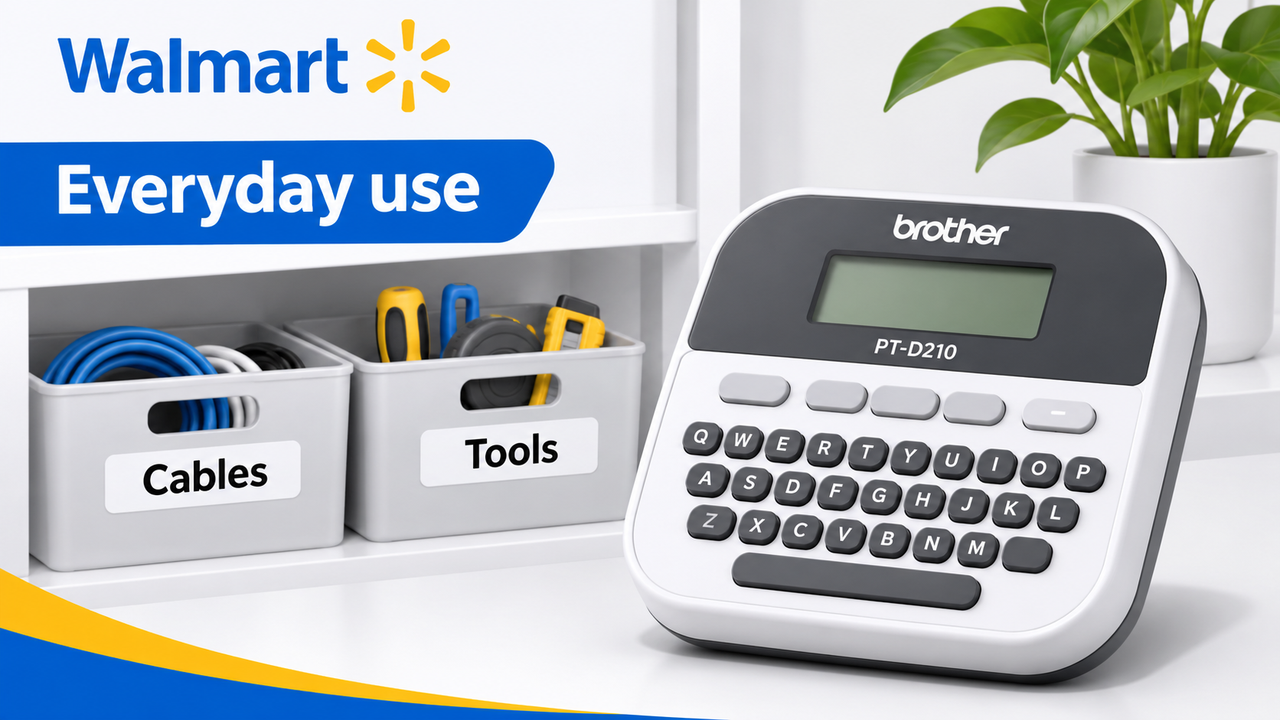
A label maker is also useful when handwriting is difficult to read or several people need a consistent system. It is less compelling for one temporary box that a marker can identify adequately. The purchase should match the frequency and permanence of the job.
Make the label readable before making it decorative
Brother lists multiple fonts, frames and symbols, but the practical starting point is simple text with enough space to read. Preview the wording and abbreviations before printing. A visually busy label can make a storage system less helpful rather than more polished.
Decide whether the label identifies contents, ownership or a destination. Combining every purpose on a tiny strip often produces text that is too small to use comfortably. A short category on the front of a drawer can be sufficient, with more detailed information kept elsewhere.
For shared supplies, use consistent names across the house. If one box says chargers and another says power leads, decide whether they contain different things or whether the system has acquired two names for the same category. The device prints your system; it does not design it for you.
Review the arrangement after a week of use. If people repeatedly put an item elsewhere, the storage location may be wrong. Printing more labels cannot fix an inconvenient place to return an object.
Tape choice determines the recurring cost
Brother’s standard carton description lists a 12 mm black-on-white laminated starter tape. Different retailer bundles can supply different amounts and accessories. Compare the written contents of the actual Walmart offer rather than transferring a bundle photograph from another listing.
Select a tape explicitly supported by the model and appropriate for the intended surface and environment. Colour is only one factor. Do not assume every tape has the same adhesive or that an ordinary storage label is suitable for a demanding industrial task.
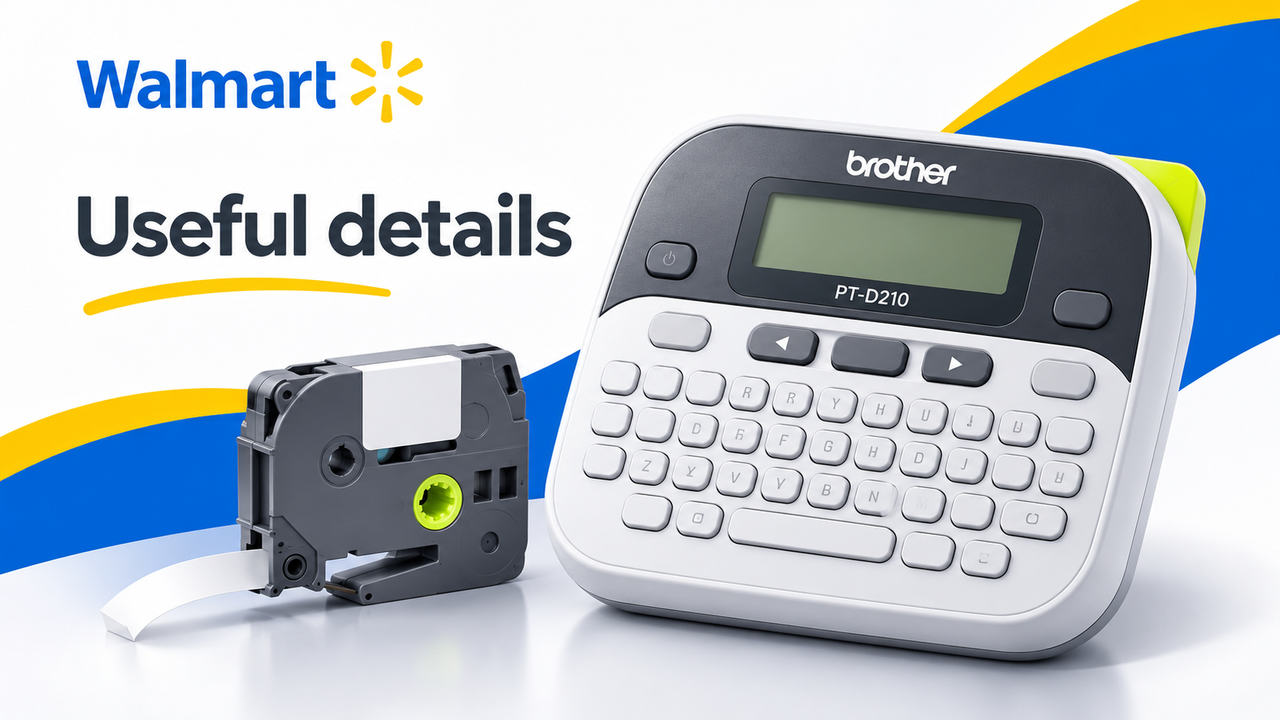
Price replacement tape before buying the device. A discounted machine can be a poor fit when the preferred supplies are expensive or difficult to obtain. Equally, a larger bundle is worthwhile only if its included colours and widths match jobs you expect to do.
Allow for test prints and normal use rather than dividing a cartridge’s nominal length into a guaranteed number of labels. Label length and printing choices change consumption. Use your actual project to compare costs instead of promising a universal price per label.
Standalone keys or a connected label maker?
The PT-D210’s appeal is entering and formatting a label directly on the device. A connected alternative may suit someone who wants to manage longer text or repeated projects from another screen. Compare the specific alternative’s functions rather than assuming all newer models offer every feature.
For occasional temporary labels, a pen and suitable adhesive labels can remain the simpler choice. For permanent safety or compliance marking, determine the actual required material and information; a consumer label maker should not be assumed to satisfy specialised requirements.
Because this model is discontinued, compare its complete price with a currently supported model available from the same retailer. Do not pay extra merely because an old listing has accumulated reviews. The relevant question is whether the device and supply system are a sensible purchase now.
Value the complete starter setup
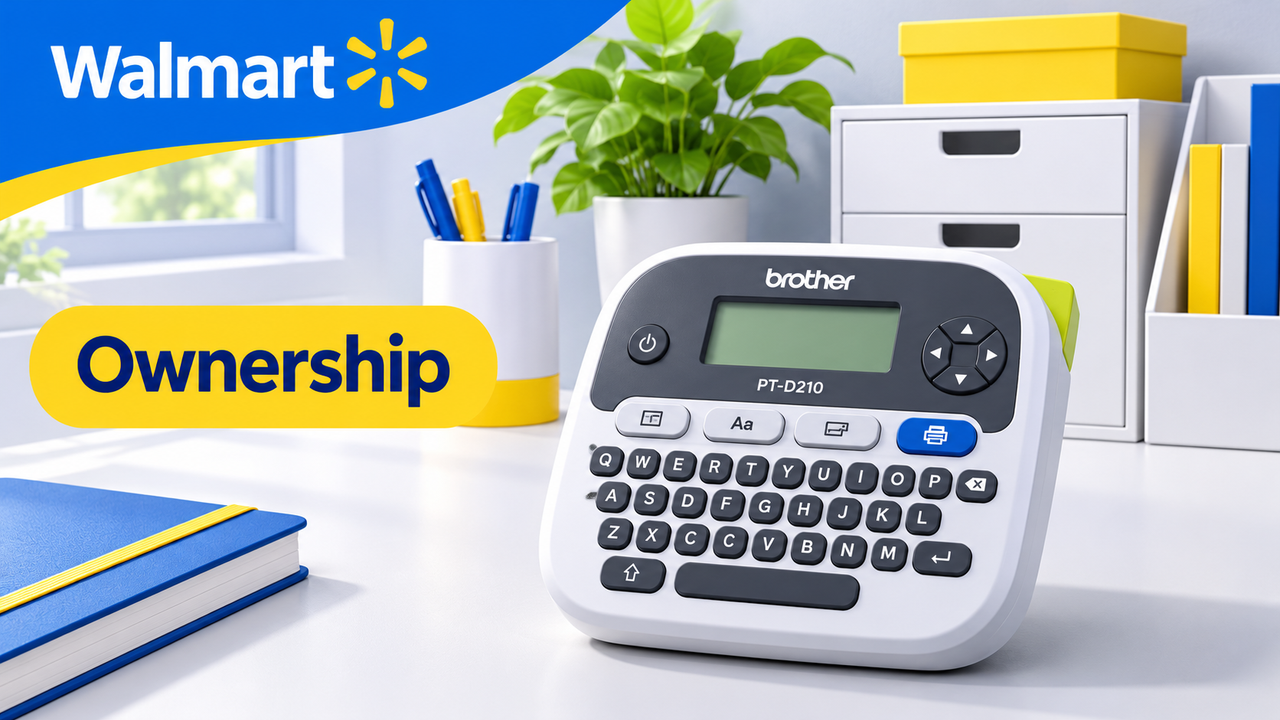
Read the selected package for power accessories and tape rather than assuming batteries, an adapter or a carrying case are included. Brother lists six AAA batteries or an AC adapter as power options and says neither is included in the standard package. Confirm the actual retailer bundle, since starter supplies can differ. Price only the necessary missing items. A case may be useful for moving between locations, but it is optional if the machine will remain in a drawer.
The retailer and manufacturer pages were researched on 18 November 2026. Confirm current stock, seller, delivered cost and the warranty applying to the selected offer. No live discount or continuing manufacturer production is claimed.
- Choose one useful labelling project.
- Keep wording clear and consistent.
- Price compatible replacement tape.
- Compare required power and starter contents.
- Consider a current model alongside discontinued stock.