Samsung T7 Shield at Walmart: Portable Storage for Files on the Move
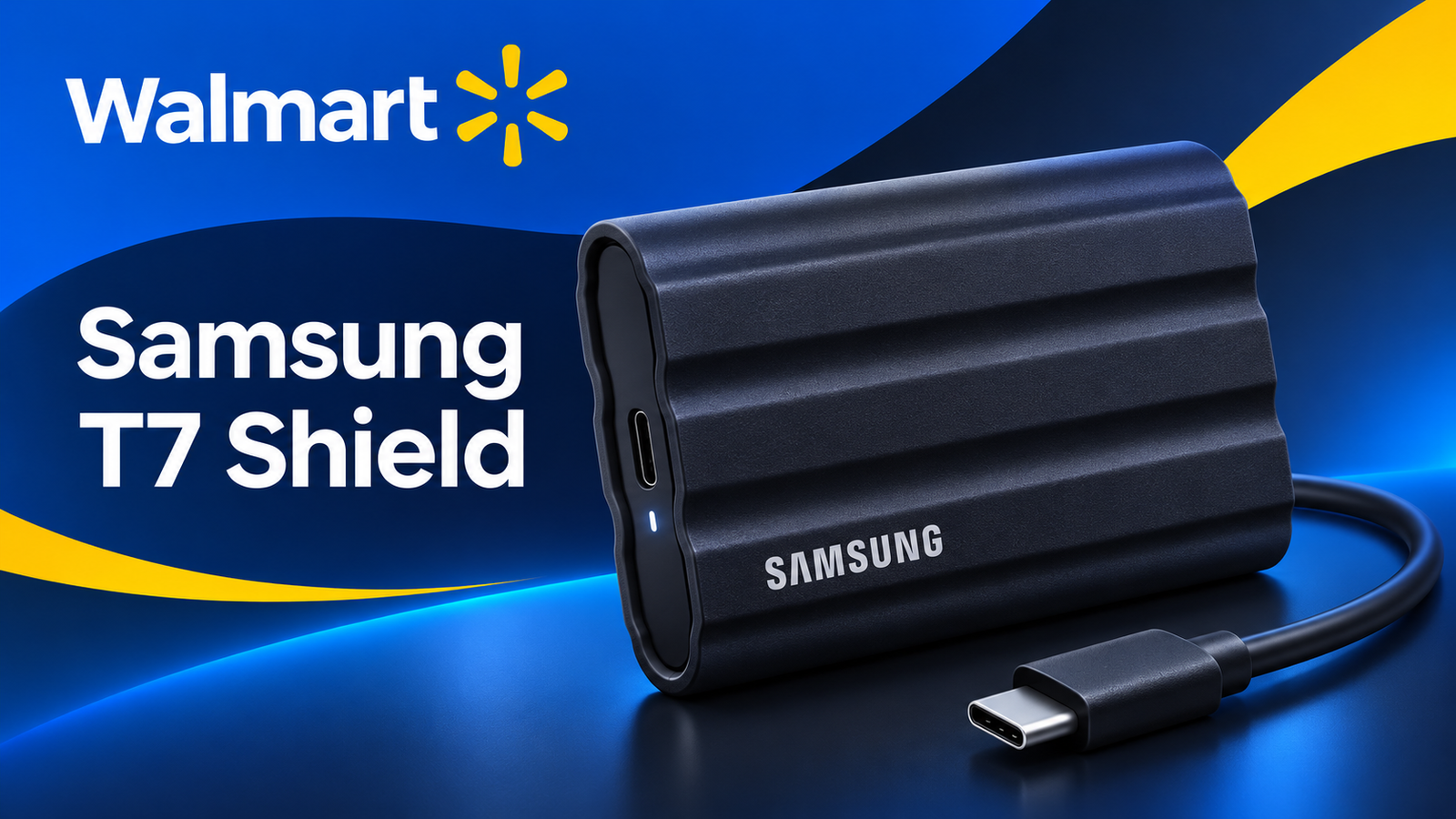
The Samsung T7 Shield at Walmart is a portable solid-state drive for moving working files and keeping additional copies away from a computer’s internal storage. Its protective exterior…
In this guide
The Samsung T7 Shield at Walmart is a portable solid-state drive for moving working files and keeping additional copies away from a computer’s internal storage. Its protective exterior is useful for a drive that travels between desks. The buying decision still starts with capacity, connection and a clear plan for what the drive will hold.
The quick takeaway: Choose T7 Shield for portable file storage when your devices support the required connection and the capacity suits your real files. Treat ruggedness as a limited protective feature, and keep another copy of anything irreplaceable.
Give the drive one clear job
The Walmart listing researched here identifies a blue 1 TB T7 Shield. Samsung’s US T7 Shield information describes the drive family’s USB 3.2 Gen 2 interface and protective design. Keep colour, capacity and regional model suffix aligned when comparing an actual offer.
A working drive and a backup copy serve different purposes. If you move the only copy of a folder from the computer to the external drive, you have changed its location rather than created an additional copy. Decide which files should remain on the computer and which need duplication elsewhere.
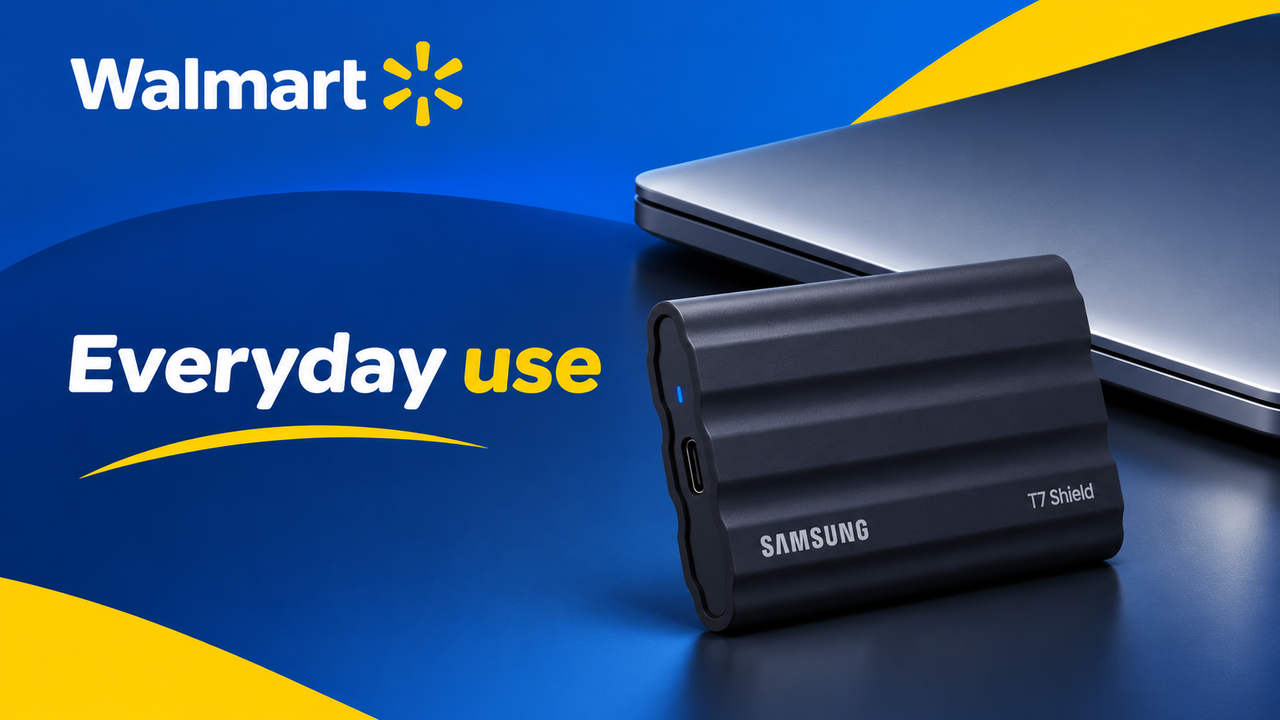
For travel, a compact drive can make it easier to carry large folders without transporting a second computer. For a stationary archive, a different storage format may offer a more suitable capacity-to-cost balance. Portability has value when you use it.
Connection speed is a system property
A USB-C connector shape does not establish the speed of every computer port, cable or adapter. Compare the drive’s interface with the host device and use a suitable data cable. An older or slower link can limit the transfer even when the drive itself supports a faster interface.
Samsung advertises maximum sequential speeds for this family under specified conditions. Those figures are not a promise for every folder. Many small files, the source drive, the host and other activity can affect the experience. This guide does not present a measured transfer test.
Describe your actual use: occasionally copying photos, moving large video folders or opening project files from the drive. Those tasks place different demands on the setup. A purchase driven by one maximum speed figure can overlook a more important capacity or connection problem.
Verify intended-device support in the relevant documentation. Do not assume that a physical connection guarantees every phone, console or other device can use the drive for every purpose. Where formatting is required, understand the consequences and preserve existing files before changing anything.
Plan capacity with room for the next project
Look at the size of the folders you genuinely want to keep, then allow for a realistic growth period. A larger drive may be worthwhile if it prevents an early second purchase. It is unnecessary when the extra capacity has no likely use and pushes the purchase beyond budget.
Keep advertised capacity and the space displayed after formatting in context; different reporting conventions and formatting can affect the number shown. Read the manufacturer’s capacity notes rather than assuming every apparent difference is missing storage.
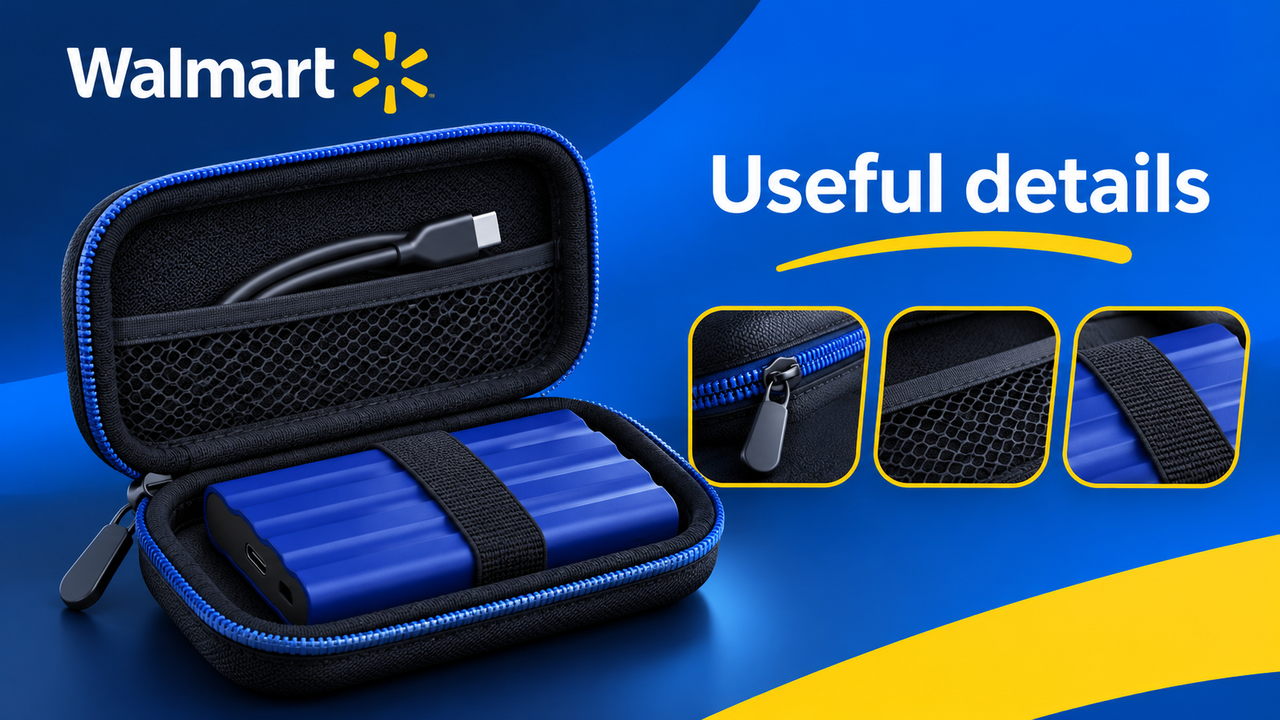
Price matching capacities and conditions. A smaller T7, a T7 Shield and another generation are not the same product merely because their names begin similarly. Also distinguish a single drive from a bundle whose extra cable or pouch may be optional.
Rugged design does not replace a second copy
Samsung describes IP65 dust and water resistance for T7 Shield under controlled test conditions. Read the official T7 Shield manual for the actual limits and care requirements. Resistance should not be translated into permission to immerse, deliberately drop or expose the drive unnecessarily.
A drive can still be lost, stolen or affected by an error in the files copied to it. Protective hardware addresses only part of that problem. For irreplaceable photographs or work, retain another independent copy and confirm that important files can be opened after copying.
Use a sensible transport routine: protect the connector and cable, avoid strain while attached and follow the host’s safe removal procedure. Keep the drive where it will not be left behind when you pack the laptop. A small device is convenient precisely because it is easy to carry, which also makes a consistent storage place useful.
Compare storage you can actually use
The strongest alternatives are a suitable ordinary portable SSD for predominantly desk-based use, a larger-capacity storage device for stationary archiving, or keeping existing storage that already meets the requirement. Compare the full arrangement, including any necessary cable and the additional copy you plan to retain.
Walmart’s selected offer can change by seller and address. Recheck price, condition, delivery, returns and the manufacturer coverage available for that regional product. No current discount, guaranteed transfer result or data-recovery service is included in this analysis.
Our guide to Walmart seller and fulfilment details explains how to identify the business behind the selected offer. Use the order record to retain the exact model and seller you accepted.
- Choose working storage or an additional copy deliberately.
- Match capacity, model and host connection.
- Allow realistic growth space.
- Read resistance limits and keep important files elsewhere too.
- Compare complete delivered costs and applicable coverage.