Sony WH-1000XM5: Check Wired Calls and Multipoint Before Buying
Sony WH-1000XM5 headphones can connect wirelessly or through their supplied audio cable, but the two arrangements do not provide identical calling and control behaviour. Before choosing a Walmart…
In this guide
Sony WH-1000XM5 headphones can connect wirelessly or through their supplied audio cable, but the two arrangements do not provide identical calling and control behaviour. Before choosing a Walmart offer, map the devices you use and whether you need listening, calls or switching between a phone and laptop. A noise-cancelling headline cannot answer those connection questions.
The quick takeaway: Buy for a verified connection routine. Multipoint helps switch between Bluetooth devices; a supplied audio cable supports a different listening path. Confirm microphone behaviour, required power, package contents and seller support before comparing prices.
Identify WH-1000XM5 and the work you need done
Sony’s US specification page identifies over-ear headphones with Bluetooth 5.2, a stereo mini-jack input and USB charging. Match WH-1000XM5 precisely; Sony earbuds and other headband generations are not interchangeable because the names share letters.
Make a short device list: phone, work laptop, television, aircraft entertainment or another source. Beside each, write the task and available connection. A pair that meets phone-listening needs may still need a separate compatibility check for a work application or a television.
For work, establish whether your employer restricts app installation, Bluetooth devices or audio accessories. A feature that needs an unavailable setup route can be less useful than it appears on a personal phone. Check the permitted arrangement rather than improvising around an organisation’s rules.
Choose alternatives by that task list. Someone prioritising a particular wired microphone workflow should compare a headset explicitly designed for it. Someone wanting quiet wireless music and phone/laptop switching may value a different combination. Neither use case makes one format universally superior.
Understand what multipoint changes
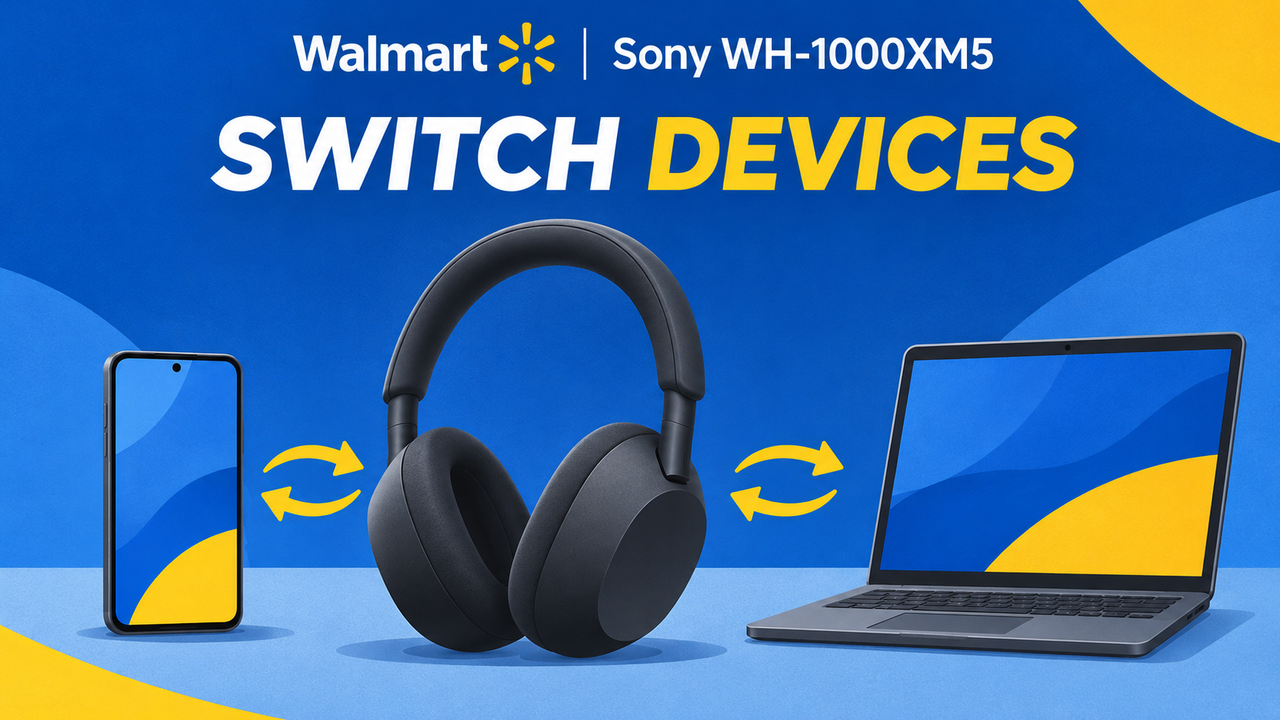
Sony’s multipoint instructions describe connecting two Bluetooth devices after enabling the relevant setting through its companion app. Follow the current app and firmware instructions for your device; an older help page may use an earlier app name.
The purpose is switching between sources without repeatedly establishing a fresh pairing. It should not be interpreted as a promise to mix two separate music streams. Sony describes stopping playback on the first source and starting it on the other when changing music.
Test the intended sequence rather than only checking that both devices appear paired. Try the actual meeting application, then the normal listening source, and confirm which input and output each application selects. A computer can use a different microphone from the one you expected even when sound reaches the headphones.
Multipoint is most useful when it removes a repeated interruption. If you normally use one device, it may add little to the purchase decision. If several people share sources or a third device frequently connects, read the switching behaviour before assuming every existing connection remains active.
Treat wired listening as a different mode
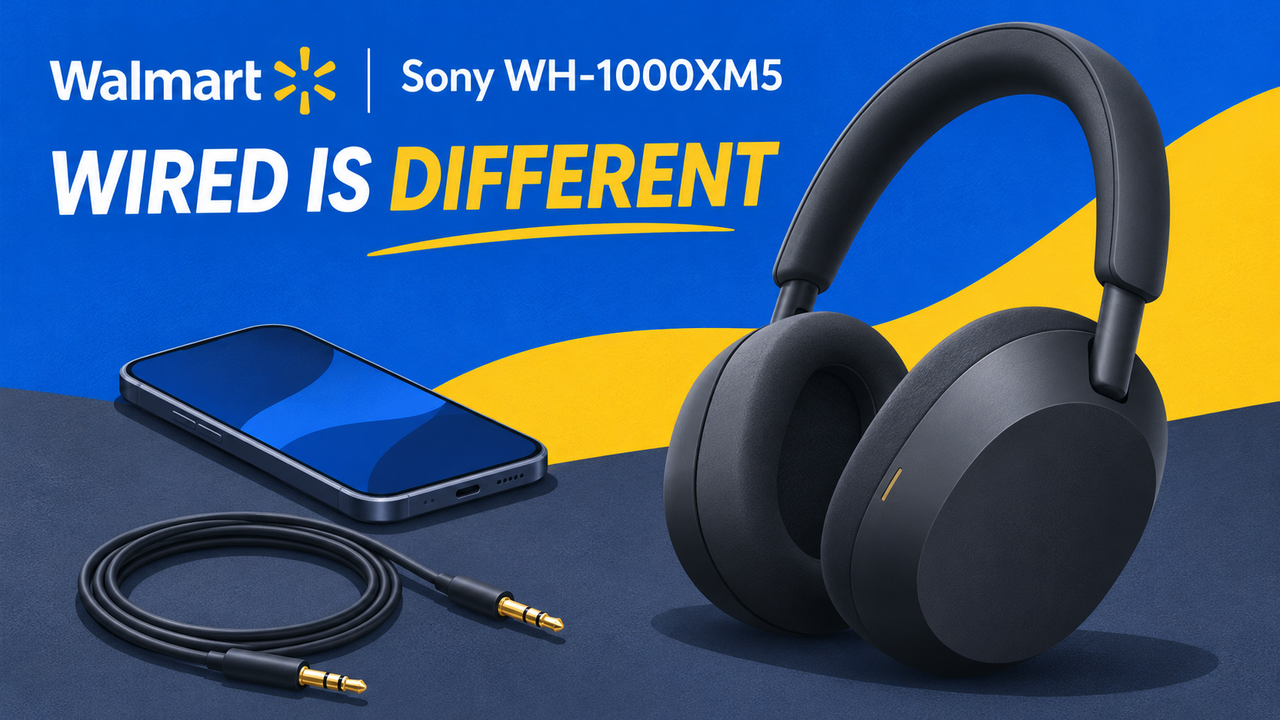
The supplied-cable instructions say music can be heard with the headset switched off, but noise cancelling requires it to be switched on. A cable therefore does not make every active feature independent of battery power.
For calls through that connection, Sony tells users to speak into the phone’s microphone while hearing the caller through the headphones. Do not buy the supplied audio-cable arrangement on the assumption that it automatically gives a laptop or phone the headset’s Bluetooth microphone functionality.
Sony also says Bluetooth cannot be used while the headphone cable is connected. A plan involving wired entertainment and a simultaneous Bluetooth connection therefore needs revising. Check the exact official mode instructions instead of combining separately advertised features into one unsupported configuration.
Use the specified supplied cable and check the playback device’s connector. A phone without the relevant analogue output introduces its own adapter question. Confirm any necessary adapter with the device maker; the presence of USB charging does not by itself establish a USB audio connection.
Separate battery specifications from your daily result
Sony lists maximum music playback of 30 hours with noise cancelling on and 40 hours with it off. Treat those as specification figures, not a promise that every combination of settings, calls and battery condition gives the same result.
For a used or restored offer, obtain adequate information about condition and included equipment. An old maximum specification cannot establish remaining battery capacity. A seller’s brief working demonstration is useful context but not a measured endurance test.
Comfort and carrying space deserve their own check. Compare the headphones and case with the bag you actually use, and assess the fit when the retailer’s terms permit. This guide has not measured comfort, noise reduction, microphone quality or latency, and it does not assign a made-up performance score.
For a gift, confirm that over-ear headphones are the recipient’s preferred format. A technically capable product can still be inconvenient for someone who wants a smaller carrying arrangement or a dedicated wired work headset.
Compare complete offers and actual support
The Walmart WH-1000XM5 page can lead to different colours, conditions or sellers. Read the selected offer rather than importing the price from a search result. This guide does not present a verified live discount or identify one seller as the only available option.
Check the case, supplied connection cable, charging cable and any required power equipment separately. A retailer-created accessory pack is not automatically better than a simpler package. Count an added stand or other item only when it solves a real need.
Our Walmart seller and fulfilment guide explains how support and returns can differ. Confirm the manufacturer’s warranty applies to your selected product, region and seller; a protection-plan advertisement is a separate arrangement, not proof of manufacturer coverage.
Finish with a connection checklist
- Match WH-1000XM5 and the selected condition.
- List every source and required listening or calling task.
- Verify multipoint setup and switching behaviour.
- Check wired microphone and powered-feature limits.
- Identify necessary cables and adapters.
- Compare complete cost, warranty and returns.
Common questions
Does multipoint mix two music streams?
Do not assume so. Sony describes switching playback between connected devices.
Does wired listening need battery power?
Passive music listening is supported, while noise cancelling requires the headset to be on.
Does the supplied cable guarantee a wired headset microphone?
No. Sony’s phone instructions use the phone’s microphone for that connection.